LG Bootloader Unlock Tool: How to Unlock an LG Bootloader
Looking for an LG bootloader unlock tool or an LG bootloader unlock code? If you own an older LG smartphone and want to install custom software, root the device, use a custom recovery, or extend its life with community-developed Android software, bootloader unlocking may be the first step.
There is an important update, however: LG’s official bootloader unlock service is no longer available. LG shut down its mobile developer website and its bootloader unlock key issuance service on December 31, 2021.
That means many older tutorials claiming that you can simply visit LG’s developer website, request a new unlock key and unlock any LG phone are now outdated.
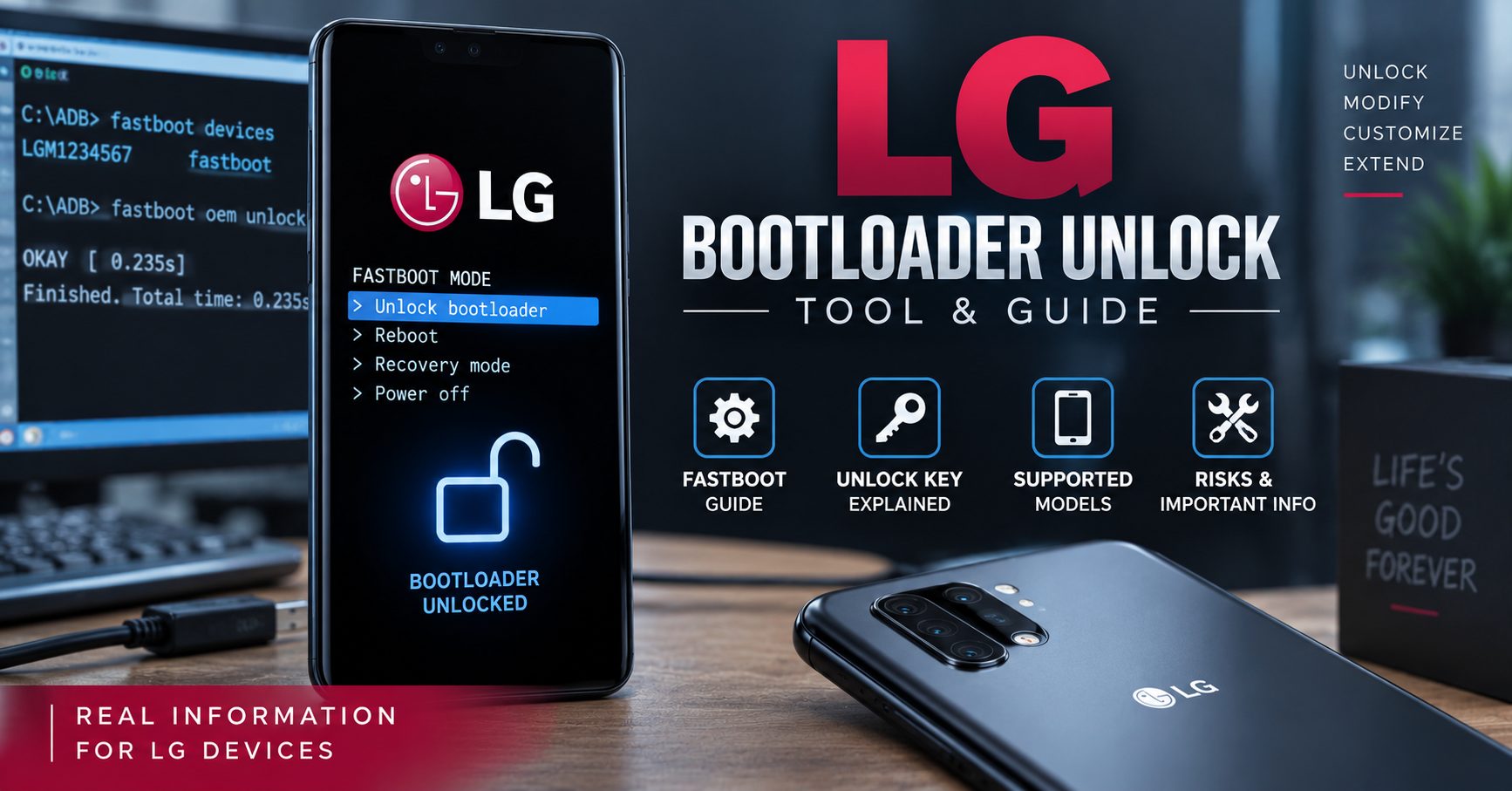
This guide explains what the LG bootloader unlock process was, what the old LG unlock tool did, what changed after the official service ended, how Fastboot fits into the process, and what you should check before attempting to modify an older LG phone.
Is LG Bootloader Unlock Still Possible?
Sometimes, but it depends heavily on the exact LG model.
LG’s official bootloader unlock system is no longer available. The company closed the mobile developer website and the function that issued bootloader unlock keys at the end of 2021.
Some LG devices that were previously supported may still be useful for Android development because developers have created device-specific methods, custom recoveries and alternative software.
However, there is no current universal LG bootloader unlock tool that should be expected to unlock every LG phone.
| LG Bootloader Question | Current Situation |
|---|---|
| Is the official LG bootloader unlock website still active? | No. |
| Can you request a new official LG unlock key today? | No. The official key-issuance service ended in 2021. |
| Can some older LG phones still be modified? | Yes, depending on the model, firmware and available community methods. |
| Is there one universal LG bootloader unlock tool? | No universal solution should be assumed to work on every model. |
| Does bootloader unlocking SIM-unlock an LG phone? | No. Bootloader unlocking and carrier unlocking are different processes. |
What Is an LG Bootloader?
The bootloader is responsible for starting the operating system and determining whether the software being loaded is authorized by the device.
On a locked Android phone, the bootloader normally prevents unauthorized system images or other low-level modifications from being installed.
Unlocking the bootloader can allow advanced users to install software that would otherwise be blocked, including custom recovery images, modified system software and, on supported devices, custom ROMs.
It is therefore important to understand that an LG bootloader unlock is not the same thing as removing a SIM or carrier restriction.
If your actual goal is to use another carrier’s SIM card, read our LG phone IMEI unlock guide instead.
What Was the Official LG Bootloader Unlock Tool?
LG previously operated a mobile developer website that provided information and tools for developers who wanted to unlock supported LG phones.
The official process was different from the simple “universal code generator” concept found on many old websites.
On supported devices, the user could obtain device-specific information, request an unlock key through LG’s developer service, and then use the appropriate Android tools to unlock the bootloader.
LG’s decision to close its mobile business led to the shutdown of this service. The bootloader unlock key issuance function ended on December 31, 2021.
Why Old LG Bootloader Guides Are Now Outdated
You may still find tutorials that tell you to:
- Open the LG developer website.
- Register a developer account.
- Enter your IMEI and device information.
- Request an LG bootloader unlock key.
- Download the key.
- Use Fastboot to unlock the phone.
The general workflow describes how LG’s official process worked in the past, but the official key-issuance service is no longer available.
For that reason, an article published years ago can appear to provide a working LG bootloader unlock solution while actually depending on a service that no longer exists.
LG Bootloader Unlock Tool vs LG Unlock Code Generator
These terms are often mixed together, but they can refer to very different things.
| Term | What It Usually Means |
|---|---|
| LG bootloader unlock tool | Software or commands used to communicate with or unlock a compatible bootloader. |
| LG bootloader unlock key | A device-specific authorization used by LG’s historical official unlock process. |
| LG unlock code | Usually refers to a carrier or SIM unlock code rather than a bootloader key. |
| LG code generator | A generic term used by some websites for software claiming to generate an unlock code. |
| Fastboot | An Android bootloader interface used by compatible devices for low-level communication. |
This distinction matters because an LG SIM unlock code does not unlock the bootloader.
LG Bootloader Unlock With Fastboot
Fastboot is one of the main Android tools used to communicate with compatible bootloaders from a computer.
Before attempting any unlock operation, you can use the following command to determine whether a compatible device is detected:
fastboot devicesIf the phone is detected, Fastboot will normally display a device identifier.
Historically, supported LG phones could use Fastboot commands as part of the official bootloader unlocking procedure after the required authorization was obtained.
However, you should not assume that every LG phone accepts the same unlock command.
Fastboot Commands and LG Compatibility
Different Android manufacturers and different device generations can implement bootloader unlocking differently.
Older tutorials may show commands such as:
fastboot oem unlock YOUR_UNLOCK_KEYOther Android devices use newer commands such as:
fastboot flashing unlockThese commands should not be treated as interchangeable universal LG commands.
Use only the command appropriate for your exact model and bootloader implementation.
What You Need Before Trying an LG Bootloader Unlock
Before downloading any third-party LG bootloader software, identify your phone as accurately as possible.
| Information | Why It Matters |
|---|---|
| Exact LG model | Bootloader compatibility differs between devices. |
| Model number | Different regional variants can behave differently. |
| Android version | Bootloader behavior and available development methods can depend on software version. |
| Firmware version | Some community methods only work with specific firmware builds. |
| Carrier variant | Carrier-specific LG models may have different restrictions. |
| Bootloader status | Determines whether the device is already unlocked. |
| USB/ADB/Fastboot connection | The computer must be able to communicate with the device for software-based procedures. |
LG Bootloader Unlock: Important Supported Models
LG released many Android phones over the years, but bootloader support was not identical across the entire product range.
If you have one of the following models, use a model-specific guide whenever possible rather than relying on a generic LG bootloader tool.
LG V60 ThinQ
The LG V60 ThinQ remains one of the more interesting LG phones for Android development and custom software projects.
If this is your device, see our dedicated LG V60 ThinQ 5G guide for model-specific information.
Do not assume that instructions designed for an older LG G-series phone will work identically on the V60.
LG G7
The LG G7 is another model with an established history in the Android development community.
For G7-specific information, see our LG G7 unlock guide.
LG K92 5G
If you own an LG K92 5G, first determine whether your exact carrier and model variant support the modification you are planning.
You can also review our LG K92 5G guide for related unlocking information.
LG W41
The LG W41 belongs to a different generation and market segment from many of the LG phones discussed in older bootloader tutorials.
For related information, see our LG W41 and W-series guide.
Can You Unlock an LG Bootloader Without the Official LG Website?
There is no universal answer.
Because LG’s official bootloader key service has been discontinued, some owners investigate unofficial or community-developed methods for specific devices.
Those methods can involve vulnerabilities, engineering firmware, special software, test points or other device-specific procedures.
The important point is that an unofficial method should never be presented as a guaranteed universal LG bootloader unlock tool.
Compatibility can depend on the exact model, carrier version, firmware build and security state.
Can a Universal LG Bootloader Unlock Tool Unlock Any LG Phone?
No.
A universal tool promising to unlock every LG model with one click should be treated cautiously.
LG produced phones with different chipsets, Android versions, carrier variants and security configurations. A procedure that works on one model can fail completely on another.
For example, the requirements for an LG V60 can be very different from those of an older LG G7 or another regional LG model.
LG Bootloader Unlock vs LG SIM Unlock
One of the most important things to understand is the difference between these two types of unlocking.
| Bootloader Unlock | SIM/Carrier Unlock |
|---|---|
| Modifies the bootloader security state. | Removes a network or carrier restriction. |
| Used for custom software and advanced Android modification. | Used to operate the phone with another compatible carrier. |
| May be required for some rooting or custom ROM procedures. | Does not normally provide root access. |
| Can trigger a factory reset. | Normally does not require bootloader modification. |
| Depends on bootloader support. | Depends on carrier/network policy and device status. |
If your LG phone simply says that it is network locked or asks for a network unlock code after inserting another SIM card, you should not start with bootloader tools.
Instead, read our LG IMEI unlock guide.
Will Unlocking an LG Bootloader Erase Data?
You should assume that bootloader unlocking can erase the device.
Before attempting an unlock, back up:
- Photos and videos
- Contacts
- Messages
- Documents
- Authentication information
- Application data
- Any files stored in internal storage
Do not begin a bootloader modification on a phone containing important information unless you have a verified backup.
What Are the Risks of LG Bootloader Unlocking?
Bootloader modification is an advanced procedure and is not risk-free.
- The phone may perform a factory reset.
- Incorrect images can cause boot loops.
- Unsupported commands can leave the device unable to boot.
- Security protections can be reduced.
- Some applications may behave differently on modified devices.
- Custom ROM installation can introduce additional compatibility problems.
- Carrier-specific software can behave differently after modification.
Because LG no longer operates its mobile phone business, obtaining official support for a failed modification can also be considerably more difficult than it was when the devices were actively supported.
LG Mobile Software Support Has Also Ended
There is another important reason to treat old LG bootloader guides carefully.
LG ended its remaining mobile software upgrade services and related mobile support services in 2025. This means modern searches for an “LG bootloader unlock tool” can lead users to several different historical LG services that are no longer operational.
Bootloader unlocking, LG Bridge, software updates and SIM unlocking are separate functions, so it is important to identify exactly what you are trying to accomplish before downloading software.
How to Troubleshoot an LG Bootloader Unlock Attempt
1. Check the Exact Model
Do not use a guide simply because it says “LG.” Confirm the complete model number first.
2. Check the Firmware
Community-developed methods can depend on specific firmware versions. A procedure that worked on an older build may not work after an update.
3. Check USB and Fastboot Communication
If the computer does not detect the device, check the cable, USB port, drivers and whether the phone is actually in the correct bootloader mode.
4. Do Not Mix Carrier-Specific Instructions
An LG model sold by one carrier can have different software or restrictions from a similar model sold elsewhere.
5. Avoid Random Unlock Generators
Do not enter your IMEI, serial number or other device information into an unknown website simply because it claims to generate an LG bootloader key instantly.
Frequently Asked Questions About LG Bootloader Unlock
Is the LG bootloader unlock website still available?
No. LG shut down its mobile developer website and its bootloader unlock key issuance service on December 31, 2021.
Can I get an official LG bootloader unlock code today?
No. LG no longer provides the official bootloader unlock key service that was available through its former developer website.
Is there a free LG bootloader unlock tool?
There are community tools and device-specific methods for some older LG phones, but there is no universal free tool that should be expected to unlock every LG model.
Can I unlock an LG bootloader without a code?
Some specific LG models have been investigated using alternative community methods, but whether one works depends on the exact device and firmware. There is no universal no-code method for every LG phone.
Can Fastboot unlock every LG phone?
No. Fastboot can communicate with compatible Android bootloaders, but the available commands and authorization requirements depend on the device.
Does LG bootloader unlocking remove a SIM lock?
No. Bootloader unlocking and SIM/network unlocking solve different problems. If you need to remove a carrier restriction, see our LG IMEI unlock guide.
Will an LG bootloader unlock erase my phone?
It can. Always create a complete backup before attempting an unlock.
Can I still install a custom ROM on an LG phone?
That depends on the exact LG model and whether its bootloader can be unlocked or otherwise modified. Older LG devices with active community development may have more options than unsupported models.
Best Approach to LG Bootloader Unlock in 2026
If you are searching for an LG bootloader unlock tool in 2026, the most important thing is to start with the device rather than the software.
- Identify the exact LG model and variant.
- Check the Android and firmware version.
- Determine whether the bootloader is locked.
- Research whether your specific model has a documented unlocking method.
- Back up your data.
- Install only the tools required for your specific procedure.
- Verify USB/ADB/Fastboot communication before changing anything.
- Do not assume a universal unlock generator will work.
Final Thoughts
The old LG bootloader unlock tool process was once a useful way for developers and advanced Android users to unlock supported LG smartphones. However, LG’s official bootloader unlock service ended in 2021, so old instructions that depend on requesting a new official unlock key are no longer current.
That does not automatically mean every older LG phone is impossible to modify. Some devices still have community-developed solutions, custom ROM projects and model-specific development resources.
The important difference is that there is no longer an official universal LG bootloader unlock service that you can use to generate a new unlock key for every LG phone.
If you own a specific LG model, use a model-specific guide whenever possible. For example, you can continue with our information about the LG V60 ThinQ, LG G7, LG K92 5G, or LG W41 and other W-series devices.
If your problem is actually a carrier or SIM restriction rather than a locked bootloader, use our LG IMEI unlock guide instead.
Always verify the exact model, firmware and compatibility before attempting any bootloader modification.
Hello ,
I am sorry but I can not find that link , you wrote :
Start the process:
Using the provided links, download the LG Bootloader unlock code generator app …
Where ? THX