Sony Xperia Bootloader Unlock: Code, Tool and Official Unlock Method
Looking for a Sony Xperia bootloader unlock tool or code generator? The process has changed significantly from the older methods that were commonly shared online. Today, the safest approach is to first check whether your Xperia device supports bootloader unlocking and then use Sony’s official unlock process when your model and operator allow it.
A bootloader unlock is different from a carrier or SIM unlock. Unlocking the Sony Xperia bootloader is intended for users who want to modify the device software, install a custom ROM, use development builds, or work with Android Open Source Project software. It does not remove a network or SIM lock.
This updated guide explains what the Xperia bootloader does, how Sony’s unlock process works, what the old “Xperia unlock bootloader code generator” terminology actually means, which devices may be eligible, and what you should know before unlocking.
Important: Bootloader unlocking is an advanced operation. It can erase the phone’s user data and may affect warranty, DRM-related functionality, software updates, or other device features. Always back up important data before proceeding and verify your exact Xperia model’s eligibility first.
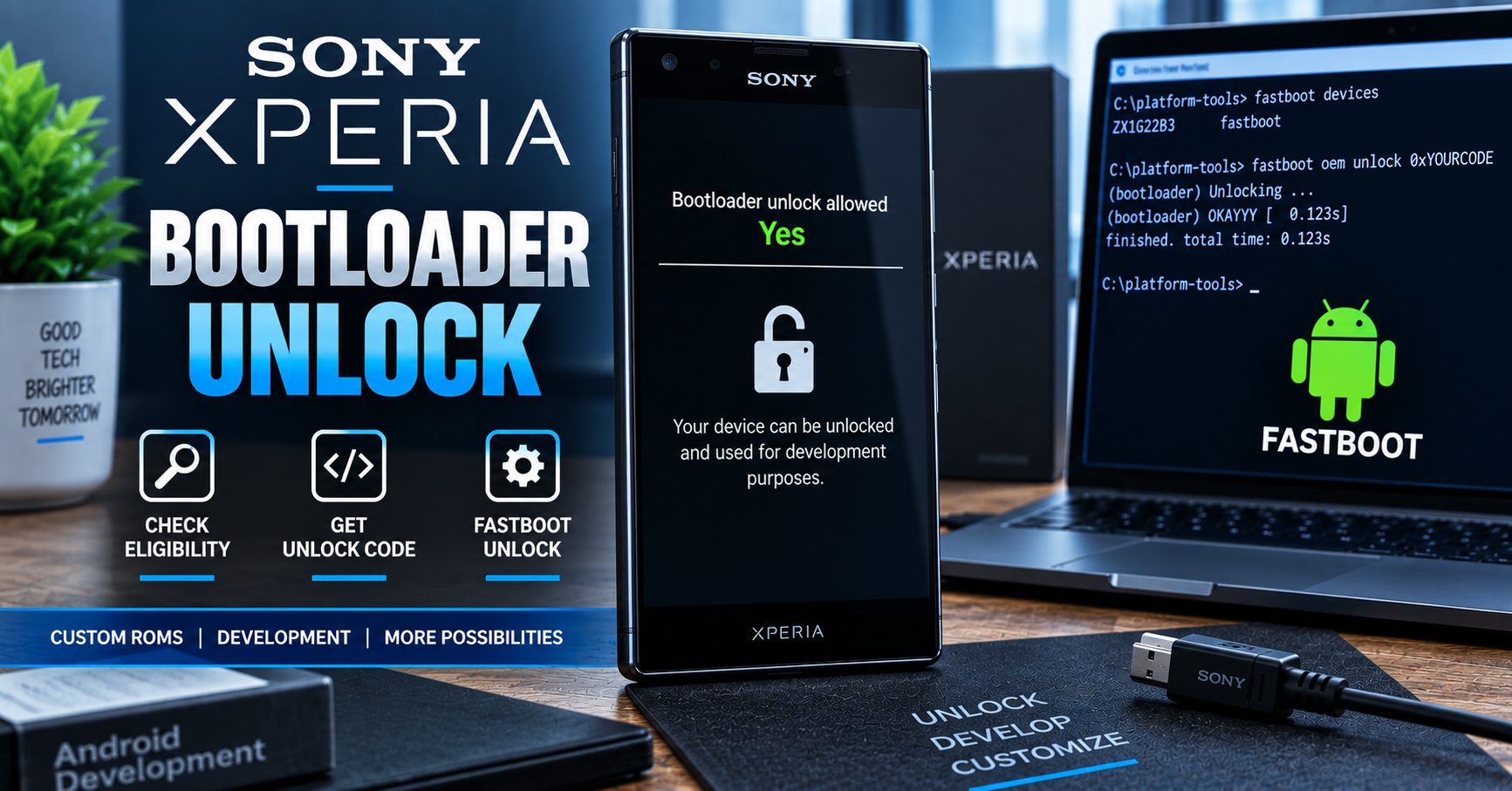
What Is a Sony Xperia Bootloader Unlock?
The bootloader is part of the software chain that controls how an Android device starts and determines which software images can be loaded. A locked bootloader helps prevent unauthorized software from being installed on the device.
A Sony Xperia bootloader unlock changes that restriction so an eligible Xperia device can be used for development and software modification. This can make it possible to work with custom software, development images, and supported custom ROM projects.
However, bootloader unlocking does not mean that every Xperia model can automatically be unlocked. Sony states that unlocking is available only for certain releases and that operator restrictions can prevent unlocking on some devices.
Bootloader Unlock vs. SIM Unlock
| Type of unlock | What it changes | Main purpose |
|---|---|---|
| Bootloader unlock | Allows supported software modification | Custom ROMs, development and advanced Android work |
| SIM/network unlock | Removes a carrier restriction | Using the Xperia phone with another network |
| FRP removal | Deals with Google account protection after a reset | Account verification and device ownership recovery |
If your Sony Xperia works only with one carrier, you are dealing with a network lock rather than a bootloader lock. For carrier unlocking, see our Sony Xperia unlock guide.
Is the Sony Xperia Bootloader Unlock Code Generator Still Necessary?
This is one of the most important differences between the old version of this article and the current situation.
The original version of this page promoted an Xperia unlock bootloader code generator as though a generic third-party application could simply generate a universal unlock code for every Xperia phone. That is not a reliable way to describe the current Sony process.
Sony’s current support documentation directs Xperia users to Sony’s Developer World unlock process. Eligibility is checked first, and the unlock procedure depends on the particular Xperia release and its bootloader configuration.
Therefore, the term “Sony Xperia bootloader unlock code generator” is best understood as an older search phrase rather than a recommendation to use an unofficial universal generator.
| Old terminology | Better current interpretation |
|---|---|
| Xperia unlock bootloader code generator | Official Xperia bootloader unlock process |
| Sony bootloader code generator | Sony-provided unlock code/process where supported |
| Universal Xperia unlock tool | No universal tool should be assumed to work with every Xperia model |
| IMEI-only bootloader unlock | IMEI/model information may be part of the official process, but eligibility must be checked first |
How to Check if Your Sony Xperia Bootloader Can Be Unlocked
Before searching for an Xperia bootloader unlock tool, check the device itself.
Sony’s Developer World documentation describes a service-menu check for supported Xperia devices. On compatible models, you can access the service information and look for the Bootloader unlock allowed status.
Check the Bootloader Unlock Status
- Open the phone’s dialer.
- Enter *#*#7378423#*#* to access the Xperia service menu, when supported by your device.
- Open Service info.
- Open Configuration.
- Look for Rooting Status.
- Check the Bootloader unlock allowed value.
| Status | Meaning |
|---|---|
| Yes | The device reports that bootloader unlocking is allowed and you can continue checking Sony’s official process. |
| No | The device cannot be unlocked through the normal Sony Xperia bootloader unlock process. |
| Status missing | The device may not support the standard unlock procedure or may have a model/operator-specific restriction. |
Sony specifically notes that some network operators prevent users from unlocking an Xperia bootloader, so the same Xperia family can have different eligibility depending on the release or operator.
How to Unlock a Sony Xperia Bootloader
If your Xperia reports that bootloader unlocking is allowed, the next step is to use Sony’s official instructions rather than relying on an unofficial code generator.
1. Back Up Your Xperia
Back up photos, contacts, application data, documents and anything else you want to keep. Bootloader unlocking can trigger a factory reset and erase the phone’s user data.
2. Confirm the Exact Xperia Model
Do not select a different Xperia model simply because it has a similar name.
Record the exact model number and software version before starting. Xperia devices have different generations, regional versions and operator variants, and bootloader support is not identical across all releases.
3. Check Bootloader Eligibility
Use the Xperia service information to determine whether Bootloader unlock allowed is set to Yes.
If it says No, do not attempt to force the bootloader open with random tools or commands.
4. Use Sony’s Official Unlock Process
Sony’s current Xperia support guidance directs users to its Developer World unlock page for the official procedure.
The official Sony process is the appropriate reference point for obtaining the required unlock information and following the model-specific procedure.
5. Install the Required Android Platform Tools
The Xperia bootloader process uses Android development tools such as Fastboot. Depending on the operating system, USB drivers may also be required.
Use current Android platform tools rather than downloading unknown “one-click Xperia unlock” packages from unverified websites.
6. Connect the Xperia in Fastboot Mode
Supported Xperia devices can be connected to a computer in Fastboot mode. The exact button combination can vary by model, so use the instructions appropriate for your device.
Once connected, the computer should detect the device through Fastboot before you continue.
7. Apply the Official Unlock Procedure
After eligibility has been confirmed and the required unlock information has been obtained, follow Sony’s current Developer World instructions for your Xperia.
Do not substitute a random code from another Xperia device or attempt to guess an unlock key. The unlock information is tied to the supported device/process.
What Happens When You Unlock a Sony Xperia Bootloader?
Bootloader unlocking is not simply a cosmetic setting. It changes the security state of the device and can have consequences that should be understood before starting.
| Effect | What you should know |
|---|---|
| User data | Unlocking can erase the device and trigger a factory reset. |
| Custom software | Supported devices can be used for custom ROM and development work. |
| Security | The device has a different security state after unlocking. |
| Warranty | Warranty implications can depend on the device, region and operator. |
| DRM-related features | Some Xperia functionality can be affected by bootloader unlocking. |
| Software updates | Modified devices may have a different update experience from stock devices. |
Does Unlocking the Xperia Bootloader Root the Phone?
No. Unlocking the bootloader and rooting an Android phone are two different operations.
Bootloader unlocking allows supported software images to be installed or modified. Root access requires an additional method, such as a compatible modified boot image or another supported root solution.
| Operation | Purpose |
|---|---|
| Bootloader unlock | Allows supported low-level software modification |
| Custom ROM | Replaces or modifies the Android software environment |
| Root | Provides elevated privileges inside Android |
| Fastboot | Provides a computer interface for supported bootloader operations |
Can Every Sony Xperia Model Be Bootloader Unlocked?
No. Sony Xperia bootloader unlock support varies by model, release and operator configuration.
This is why a page promising a universal Sony Xperia bootloader unlock tool for every model should be treated carefully.
Older Xperia devices and newer Xperia devices can use different software and security implementations. Some carrier variants can also restrict bootloader unlocking even when another version of the same Xperia family supports it.
Examples of Xperia Families You May Encounter
| Xperia family | What to check |
|---|---|
| Xperia 1 series | Exact model, region and bootloader eligibility |
| Xperia 5 series | Exact model and operator restrictions |
| Xperia 10 series | Model-specific bootloader support |
| Xperia XZ series | Bootloader status and supported release |
| Xperia XA series | Exact variant and unlock eligibility |
| Older Xperia models | Legacy Sony documentation and model-specific limitations |
Sony Xperia Bootloader Unlock Code vs Network Unlock Code
The word unlock code can cause confusion because Xperia phones can have different types of locks.
A bootloader unlock code is associated with unlocking the device’s bootloader for software modification. A network unlock code is used to remove an operator restriction so the phone can accept another carrier’s SIM.
| Code/process | Unlocks | Used for |
|---|---|---|
| Bootloader unlock | Bootloader | Custom software and development |
| NUC/NCK | Network/SIM restriction | Using another carrier |
| Google account verification | Not the same as either unlock | Device ownership/account security |
If your Xperia displays a SIM or network restriction, bootloader unlocking will not solve the problem. Sony’s current carrier-unlock guidance says operator-locked Xperia phones require the appropriate Network Unlock Code from the carrier that sold the device.
What Is Fastboot and Why Is It Important for Xperia?
Fastboot is an Android platform tool used to communicate with a device’s bootloader from a computer.
For advanced Xperia users, Fastboot can be part of the bootloader-unlock and custom-software workflow. It is also useful for development and supported recovery or flashing operations.
Android’s official documentation describes Fastboot as a bootloader interface and explains that bootloader unlocking allows supported partitions to be reflashed.
Fastboot vs ADB
| Tool | Primary purpose |
|---|---|
| ADB | Communication with Android while the operating system is running or in supported recovery environments |
| Fastboot | Communication with the bootloader for supported low-level operations |
What Should You Do Before Using an Xperia Bootloader Unlock Tool?
Before downloading any third-party Sony Xperia unlock utility, verify the following:
- Exact Xperia model number
- Region and operator version
- Bootloader unlock eligibility
- Current Android version
- Current firmware/build number
- Whether you have a complete backup
- Whether you have the correct USB cable and computer
- Whether Android Platform Tools are installed from a trustworthy source
- Whether the instructions actually apply to your Xperia model
If a tool claims that it can unlock every Sony Xperia model with one universal code, treat that claim with caution.
Common Problems With Sony Xperia Bootloader Unlocking
“Bootloader Unlock Allowed” Says No
This normally means the device does not support the standard Sony unlocking procedure. Operator restrictions can be one reason. Do not attempt to bypass this restriction with an unrelated generator.
The Computer Does Not Detect the Xperia
Check the USB cable, USB port, platform tools and appropriate drivers. A device that is not correctly detected should not be subjected to additional flashing or unlocking commands.
The Unlock Process Erased My Data
This is an expected consequence of bootloader unlocking on supported Android devices. Always back up important data before starting.
The Xperia Does Not Boot After Software Modification
Software modification can create boot problems if incompatible images or firmware are used. Sony’s developer resources provide Xperia-specific development and recovery information, and supported Sony flashing tools may be useful when returning a compatible device to stock software.
The Phone Still Has a Carrier Lock
Bootloader unlocking does not remove a SIM/network restriction. Contact the carrier associated with the device for the appropriate Network Unlock Code.
Is a Sony Xperia Bootloader Unlock Tool Safe?
There is no reason to install a questionable “universal Xperia unlocker” simply because it promises a one-click result.
A safer approach is to use Sony’s official documentation and trusted Android platform tools. Be especially cautious with software that asks for unrelated account credentials, promises to unlock every Xperia model, or claims that it can override an explicit “Bootloader unlock allowed: No” status.
| Warning sign | Why to be cautious |
|---|---|
| “Works on every Xperia” | Xperia bootloader eligibility varies by device and operator. |
| “No eligibility check required” | Official procedures require checking whether unlocking is allowed. |
| “One-click universal unlock” | Generic claims do not account for model-specific restrictions. |
| Requests unrelated passwords | Bootloader unlocking should not require handing over unrelated account credentials. |
| Unknown executable downloads | Unverified software can create security and malware risks. |
Can You Lock the Xperia Bootloader Again?
Do not assume that relocking a modified Xperia simply returns the device to its original factory security state.
The consequences of unlocking can include data deletion and loss of certain functionality. Some Sony developer documentation also warns that the original security state and DRM-related functionality may not be fully restored simply by returning to stock software.
If you are considering relocking an Xperia, first make sure the exact procedure is supported for your model and firmware. Do not blindly issue a relock command to a device running modified or incompatible software.
Does Sony Xperia Bootloader Unlock Work in 2026?
Yes, bootloader unlocking remains supported on eligible Xperia devices, but it is not universal.
Sony’s current support documentation continues to direct users to the Developer World unlock process. The important point is that eligibility must be checked for the individual Xperia device rather than assuming that every Sony Xperia can be unlocked.
This makes the modern approach very different from the old idea of downloading a generic “Sony Xperia unlock bootloader code generator” and expecting it to work on every model.
Frequently Asked Questions About Sony Xperia Bootloader Unlock
What is a Sony Xperia bootloader unlock?
It is the process of removing the bootloader restriction on an eligible Xperia device so supported custom software and development images can be used.
What is the best Sony Xperia bootloader unlock tool?
For the unlock itself, the safest approach is to follow Sony’s official Xperia Developer World procedure and use trusted Android platform tools rather than relying on a generic third-party code generator.
Does the Xperia bootloader unlock code generator still work?
Older articles often describe a generic generator. However, Sony’s current process should be followed instead of assuming that an unofficial universal generator can generate a valid unlock code for every Xperia model.
Can I unlock every Sony Xperia bootloader?
No. Sony states that only certain Xperia releases can be unlocked and that some network operators can prevent bootloader unlocking.
Will unlocking the Xperia bootloader erase my data?
Yes, you should assume that your data will be erased and make a complete backup before unlocking.
Does unlocking the bootloader root my Xperia?
No. Bootloader unlocking and root access are separate processes.
Does bootloader unlocking remove a SIM lock?
No. A bootloader unlock is for software modification. A carrier or SIM lock requires the appropriate network-unlock process.
Can I install a custom ROM after unlocking my Xperia?
On supported devices, an unlocked bootloader can make custom ROM and development work possible. However, the ROM must be compatible with the exact Xperia model and software configuration.
Why does Sony say some Xperia phones cannot be unlocked?
Bootloader support depends on the particular device release and may also be restricted by the network operator or regional configuration.
Final Thoughts on Sony Xperia Bootloader Unlock
The old concept of a Sony Xperia bootloader unlock code generator needs to be updated. Instead of looking for a universal tool that supposedly generates a code for every Xperia, start by checking whether your exact device allows bootloader unlocking.
If your Xperia is eligible, use Sony’s current Developer World instructions and trusted Android platform tools. Back up your data first, understand that unlocking can trigger a factory reset, and remember that bootloader unlocking is completely different from removing a carrier or SIM restriction.
For Xperia owners, the most important rule is simple: check eligibility first, use the official unlock process, and never assume that a generic bootloader generator works across every Sony Xperia model.
If your actual problem is a carrier restriction rather than a bootloader restriction, use our Sony Xperia network unlock guide instead.
You can also browse our Android phone tools and our bootloader unlock guides for related device-specific information.