How to Remove Google Account From an Android Phone
Removing a Google account from an Android phone is different from deleting the Google account itself. When you remove an account from the device, the account remains active and can still be used on other phones, tablets, computers, or Google services.
You may want to remove a Google account because you are switching accounts, giving your phone to someone else, troubleshooting synchronization problems, returning a device, or simply no longer want that account connected to the phone.
This guide explains exactly what happens when you remove a Google account from Android, where to find the removal option on different phones, what happens to synced data, and what you should check before removing the account.
What Happens When You Remove a Google Account From Android?
Removing a Google account disconnects that account from the Android device. The account itself is not permanently deleted.
Android removes account-related information from the phone, which can include locally synchronized email, contacts, calendar information, account settings, and other data associated with that account.
This is an important distinction:
- Remove account from phone: disconnects the account from that particular Android device.
- Delete Google Account: permanently removes the Google account and its associated Google data and services.
- Factory reset: erases the phone’s local data and settings, but should be performed only after the accounts and data have been properly handled.
If your goal is simply to disconnect Gmail, Google Photos, Google Drive, or another Google service from the phone, you normally do not need to delete your entire Google account.
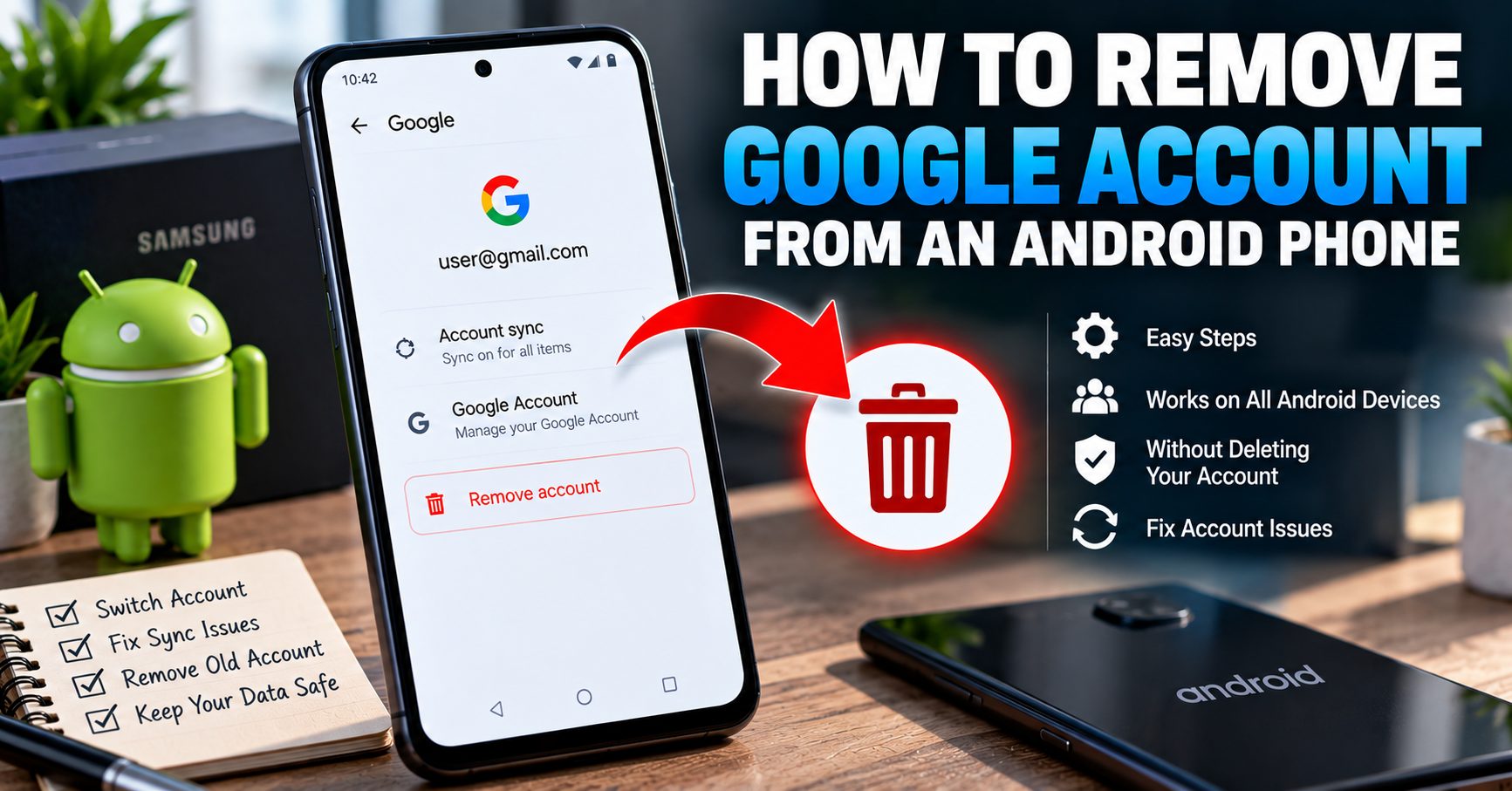
How to Remove a Google Account From an Android Phone
The exact wording can vary between Android manufacturers and software versions, but the general process is similar.
Step 1: Open Settings
Open the Settings application on your Android phone.
Step 2: Open the Account Settings
Look for a section such as:
- Passwords & accounts
- Accounts
- Users & accounts
- Passwords, passkeys & accounts
- Manage accounts
The name depends on your Android version and manufacturer.
Step 3: Select the Google Account
Open the account-management section and select the Google account you want to remove from the phone.
If multiple Google accounts are connected, make sure you select the correct account before continuing.
Step 4: Tap Remove Account
Look for Remove account and select it.
Android may display a confirmation message explaining that information associated with the account will be removed from the device.
Step 5: Confirm the Removal
Confirm the removal when prompted.
If this is the only Google account on the phone, Android may require your device PIN, password, pattern, or another security verification before allowing the account to be removed.
Once the process is complete, the Google account will no longer be connected to that Android phone.
Why Can’t I Find the “Remove Account” Option?
One of the most common problems is simply finding the correct settings menu. Android manufacturers do not all use identical menu structures.
If you cannot find Remove account, open Settings and use the built-in search function. Search for terms such as:
- Accounts
- Google account
- Manage accounts
- Remove account
- Passwords and accounts
You can also check whether your phone uses a manufacturer-specific account-management section.
Older Android versions may use different terminology from current Android releases, so an older phone may not display the same menus shown on a newer device.
How to Remove a Google Account From Samsung Galaxy
Samsung Galaxy phones use Samsung’s own account-management interface, although the basic process remains straightforward.
On many recent Galaxy devices, the path is:
Settings → Accounts and backup → Manage accounts → Google account → Remove account
Select the Google account you want to disconnect and confirm the removal.
Samsung notes that available screens and settings can vary according to the Galaxy model, software version, and other device configuration.
Removing the Google account from a Galaxy phone does not permanently delete the Google account. You can sign into the same account again later if you still have the correct credentials.
Can I Remove Multiple Google Accounts From Android?
Yes. If several Google accounts are connected to the phone, they can generally be removed individually.
Open the account-management section and review the accounts listed on the device. Select each Google account you no longer want connected and use the Remove account option.
Do not assume that removing one Google account automatically removes every other account. Each account should be checked separately.
This is particularly important before giving a phone to another person because an account that remains connected can continue to expose synchronized information or services on the device.
Does Removing a Google Account Delete Gmail?
No. Removing a Google account from an Android phone does not delete the Gmail account.
Your Gmail address and Google account remain available online. You simply remove that account’s connection to the particular Android device.
You can sign into the same Google account again later on another phone, computer, tablet, or the same Android phone.
This distinction is important because many users confuse removing an account from a device with deleting the account permanently.
Does Removing a Google Account Delete My Google Photos?
Removing the Google account from the phone does not mean that your Google Photos library is permanently deleted.
The account remains available, provided you have not separately deleted it or its content.
However, you should make sure important photos, videos, documents, contacts, and other information are properly synchronized or backed up before removing the account, especially if you are changing phones or preparing the device for someone else.
What Happens to Contacts When You Remove a Google Account?
Contacts that were synchronized with the Google account may no longer appear in the phone’s local contacts after the account is removed.
This does not necessarily mean the contacts have been permanently deleted from your Google account.
If those contacts were stored in Google Contacts and synchronized correctly, they can normally be accessed again after signing into the same Google account on another compatible device.
Before removing an important account, verify that your contacts and other important information are available where you expect them to be.
What Happens to Gmail, Calendar and Other Google Services?
Removing the Google account disconnects the account from Google services that depend on that account on the device.
Depending on the apps you use, you may lose access on that phone to information associated with the removed account, including:
- Gmail messages
- Google Calendar information
- Google Contacts
- Google Drive files
- Google Photos content
- Google Play account information
- Other synchronized Google account data
The important point is that removing the account from Android is a device-level action. It does not automatically mean that the Google account and its cloud data have been permanently deleted.
Do I Need to Remove My Google Account Before a Factory Reset?
If you are preparing an Android phone for another person, removing your Google account before the factory reset is an important part of the process.
Android’s Factory Reset Protection, commonly called FRP, is designed to help protect a device after an unauthorized factory reset.
If you want to understand exactly what FRP is and why Google account verification can appear after a reset, read our detailed guide:
FRP Lock Explained: How Factory Reset Protection Works on Android
For a phone that is being sold, traded in, or given away, the correct approach is to remove your accounts first and then follow the appropriate factory-reset procedure for the device.
Does Removing a Google Account Disable FRP?
Removing a Google account from an Android device can affect the device’s Factory Reset Protection status because FRP is associated with Google account protection on supported Android devices.
This is one reason account removal matters when preparing a phone for a new owner.
However, FRP behavior can vary depending on the Android version, manufacturer, device configuration, and reset method. Do not assume that every Android phone behaves identically.
If you are selling the phone, follow a complete account-removal and reset checklist rather than relying on a single setting.
What If I Have Forgotten My Google Account Password?
If you are still signed into the Google account on your phone but do not remember the password, do not immediately factory reset the device.
You should first make sure you can recover the account and verify your credentials.
This is especially important if you intend to reset or transfer ownership of the phone. Losing access to the Google account can create unnecessary verification problems later.
Account recovery should be performed through Google’s official recovery process rather than through a third-party tool claiming to bypass Google security.
Can I Remove a Google Account Without Deleting the Account?
Yes. This is actually the normal purpose of the Remove account option in Android settings.
You are disconnecting the account from the phone, not permanently deleting your Google identity.
For example, you can remove an old Google account from your phone and continue using that same account on another device.
This makes account removal useful when:
- You are switching to another Google account.
- You have several accounts on one phone.
- You are troubleshooting account synchronization.
- You are returning a phone.
- You are giving the device to a family member.
- You are selling or trading in the phone.
- You no longer want a particular account connected to the device.
Remove Account vs Delete Account: What’s the Difference?
| Action | What It Does | Can You Use the Account Again? |
|---|---|---|
| Remove Google account from phone | Disconnects the account from that device | Yes |
| Factory reset | Erases local phone data and settings | Yes, if the account still exists |
| Delete Google Account | Permanently removes the Google account and associated data | Recovery may not always be possible |
For most people searching for how to remove a Google account from Android, the first option is what they actually need.
What If the Phone Has a Screen Lock?
A screen lock such as a PIN, password, or pattern is separate from the Google account.
Android may require the device’s existing security method before allowing certain account or security changes.
If you know the device PIN, password, or pattern, use the normal Settings process.
If you do not know the screen lock credentials, you should use the legitimate recovery or support options provided by the manufacturer or account provider rather than attempting to bypass the device’s security.
Does Removing a Google Account Unlock a Carrier-Locked Phone?
No.
A Google account connection and a carrier or network lock are separate things.
Removing your Google account does not automatically unlock a phone for another carrier.
If you are researching phone unlock codes, network unlock PINs, or NCK codes, those are different from Google account removal. Our guide to NCK codes and network unlock codes explains the difference between these types of unlocking.
Does Removing a Google Account Change the IMEI?
No.
The IMEI is a device identifier and is unrelated to simply removing a Google account from Android.
Removing an account does not change the phone’s IMEI, repair an invalid IMEI, or remove a carrier restriction.
If you are dealing with a legitimate missing or invalid IMEI after software repair, flashing, or other device work, see our guide to IMEI repair and restoration instead.
What If the Google Account Won’t Remove?
If Android refuses to remove an account, check the following before trying complicated software or third-party tools.
Check the Device Security Prompt
The phone may require your PIN, password, pattern, or another identity verification step.
Check Whether It Is a Work or School Account
A managed work or school account can have additional restrictions controlled by an organization.
If the device is managed through a company or school, you may need the administrator to remove the management profile or account.
Check Your Internet Connection
Some account and security operations may require the device to communicate with Google’s services or the manufacturer’s account system.
Restart the Phone
A simple restart can sometimes resolve a temporary Settings or synchronization problem.
Check for Software Updates
If your phone is running an outdated software version, check whether a legitimate system update is available before troubleshooting further.
Do not install an unknown “Google account removal tool” simply because the normal Settings option is not working.
Should You Remove the Google Account Before or After a Factory Reset?
If you are keeping the phone and simply want to erase your personal data, the appropriate reset procedure depends on your situation.
If you are selling, trading in, returning, or giving away the phone, account removal should be handled before the final factory reset so that the device is properly prepared for the next owner.
Removing the account and resetting the phone are two different operations:
- Back up important personal information.
- Make sure you know the accounts and passwords you may need later.
- Remove your Google account from the device.
- Remove other manufacturer and personal accounts as appropriate.
- Remove SIM and eSIM information according to your transfer plans.
- Perform the manufacturer’s recommended factory reset.
- Verify that the phone starts at the initial setup screen.
For a more detailed guide specifically focused on preparing a phone for sale, see our article on how to remove a Google account before selling an Android phone.
What About Samsung, Xiaomi and Other Manufacturer Accounts?
A Google account is not necessarily the only account connected to an Android phone.
Depending on the manufacturer, you may also have an account for services provided by the phone maker.
Examples include:
- Samsung account
- Xiaomi account
- Huawei account
- Manufacturer cloud services
- Work or school accounts
- Exchange or email accounts
If you are simply changing the Google account but continuing to use the phone yourself, you may not need to remove every other account.
If the phone is being transferred to someone else, however, you should review all accounts before completing the reset.
Can I Remove a Google Account From Android Remotely?
If you no longer have physical access to the phone, the situation is different from simply using the Remove account button in Android Settings.
Google provides account and device-management features that can help you protect your account and manage devices associated with it. The exact options available depend on the device’s connection, account status, and Google’s current services.
If the phone has been lost or stolen, prioritize securing your Google account and the device rather than trying to remotely manipulate the phone through an unofficial unlocking service.
Will Removing the Google Account Remove My Files From Google Drive?
No. Removing the account from the phone does not automatically mean that your Google Drive account is deleted.
The important distinction is between:
- Data stored on the phone
- Data synchronized with your Google account
- The Google account itself
Removing the account disconnects it from the device. It does not mean you have permanently deleted the Google account and all information stored in Google’s services.
What Should I Check Before Removing My Google Account?
Before removing an account that contains important information, use this quick checklist:
- Confirm that you know which Google account you are removing.
- Check that important contacts are synchronized or backed up.
- Check Google Photos for important pictures and videos.
- Check Google Drive for important files.
- Make sure you can sign into the Google account again if needed.
- Check whether another Google account is also connected to the phone.
- Check for Samsung, Xiaomi, Huawei, or other manufacturer accounts if applicable.
- Review work or school accounts before removing them.
- If selling the phone, remove your accounts before the final factory reset.
Common Mistakes When Removing a Google Account
Deleting the Google Account Instead of Removing It
This is the biggest mistake to avoid. If you only want to disconnect the account from your phone, use the Android Remove account option rather than Google’s permanent account-deletion process.
Forgetting Other Google Accounts
Some Android phones have several Google accounts connected. Removing one does not automatically remove all of them.
Resetting the Phone Without Preparing the Accounts
If the phone is being transferred to another person, do not treat a factory reset as a substitute for properly removing your accounts first.
Using a Third-Party Account Removal Tool
Many websites advertise universal Google account or FRP removal tools. These claims can be misleading, and some tools may create security or privacy risks.
For normal account removal, the safest approach is to use the Settings built into Android or the official support process for your device.
Frequently Asked Questions
Does removing a Google account delete the account permanently?
No. Removing a Google account from an Android phone only disconnects it from that device. The Google account itself remains available.
Will I lose my Gmail account if I remove it from my phone?
No. Removing the account from the phone does not permanently delete your Gmail or Google account.
Can I add the Google account again later?
Yes. If the account still exists and you have the necessary credentials, you can normally add it back to the Android device.
Why does Android ask for my PIN when I remove my Google account?
Android may require your device’s screen-lock credentials as a security measure before allowing an account to be removed.
Does removing a Google account remove FRP?
Removing the Google account is an important part of preparing an Android device so that the previous owner’s account does not remain associated with device protection. FRP behavior can vary by device and Android implementation.
Can I remove a Google account without knowing the password?
The phone may allow account removal while the account is already authenticated on the device, but additional identity verification can be required. If Android asks for credentials or another security check, use the legitimate account-recovery process rather than trying to bypass the protection.
Does removing a Google account unlock my phone from a carrier?
No. Google account removal, carrier unlocking, SIM unlocking, and network unlock codes are separate processes.
Should I remove my Google account before selling my Android phone?
Yes. If you are selling, trading in, returning, or giving away the phone, removing your Google account should be part of the preparation process before the final factory reset.
Final Thoughts
Removing a Google account from an Android phone is normally a straightforward Settings operation, but understanding what the process actually does is more important than simply finding the Remove account button.
You are disconnecting the Google account from the device, not automatically deleting the account itself. Your Google account can continue to exist and be used on other devices after it has been removed from the phone.
Before removing an important account, make sure your contacts, photos, files, and other important information are safely synchronized or backed up. If you are preparing the phone for another person, also review your other accounts and handle the factory reset correctly.
Most importantly, avoid confusing Google account removal with carrier unlocking, IMEI repair, bootloader unlocking, or FRP bypass. These are different areas of Android device management and require different procedures.